Guide / Household bills
Household bills
1
Create a household
On the Split tab, switch to Household and create one. Add your housemates, and the date your lease ends if you have one.
Split > Household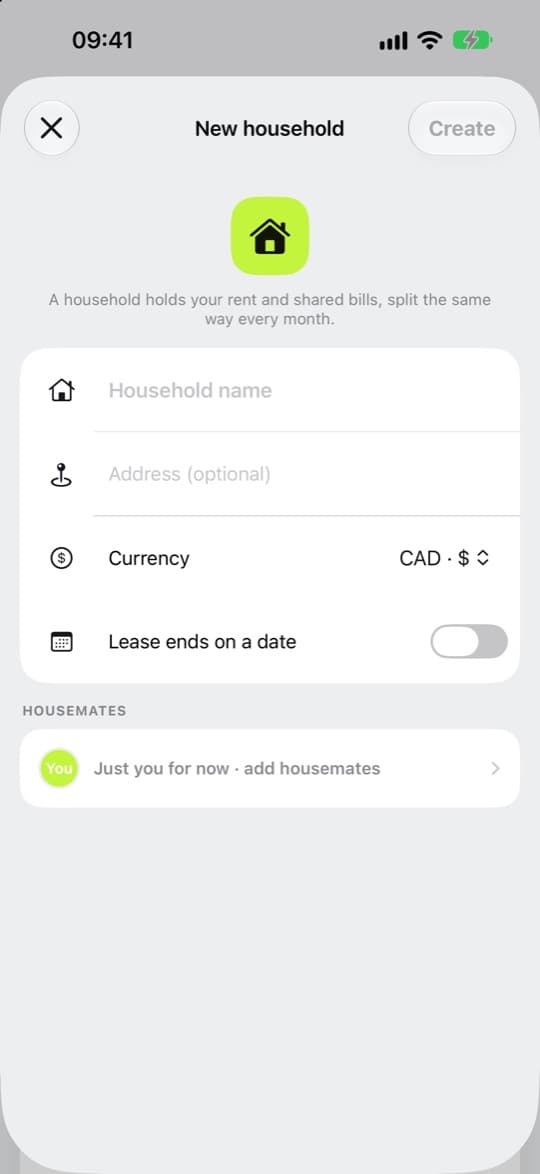
2
Add a repeating bill
Choose Household bill, then Recurring bill. Set how often it repeats and the due day. If everyone pays the landlord or power company directly, say so here.
Add > Household bill > Recurring bill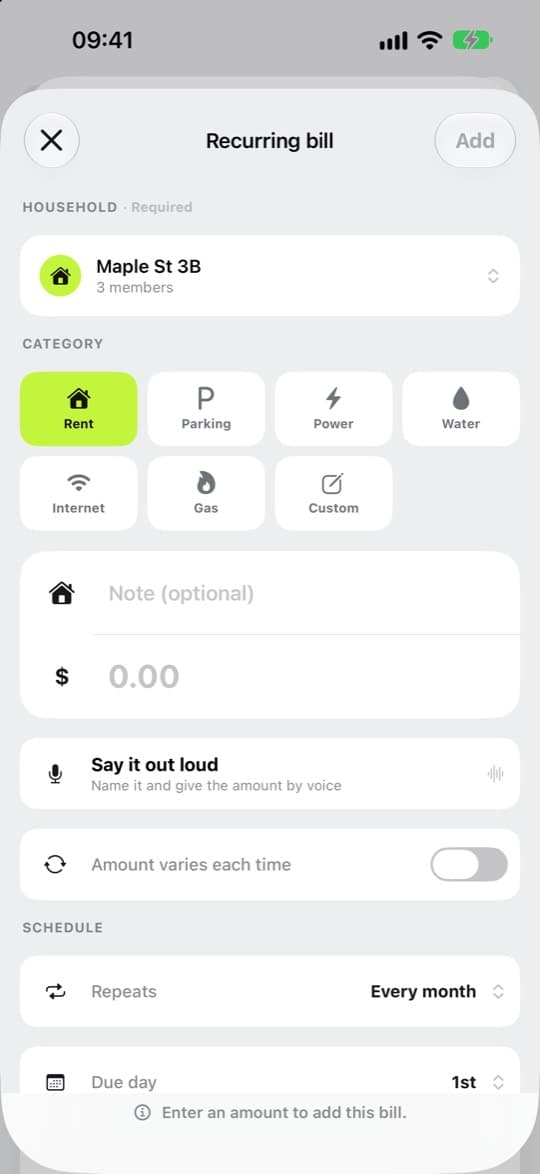
3
Mark a share paid
If you paid the bill for everyone, tap the circle beside a housemate and it’s marked paid straight away. For your own share, tap your circle, add a note if you like, and choose Mark paid.
Split > Household > the bill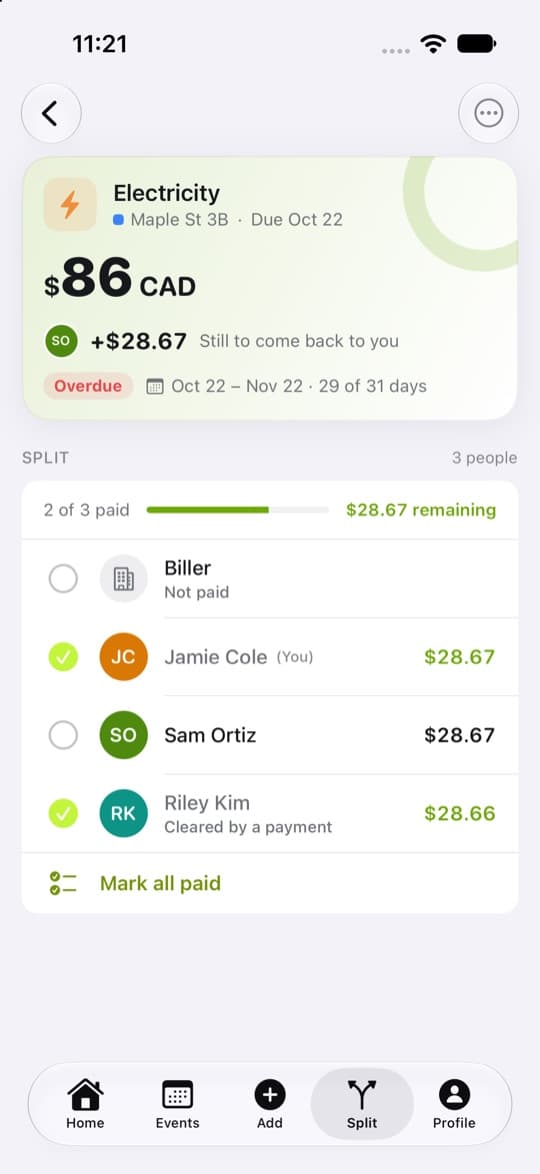
4
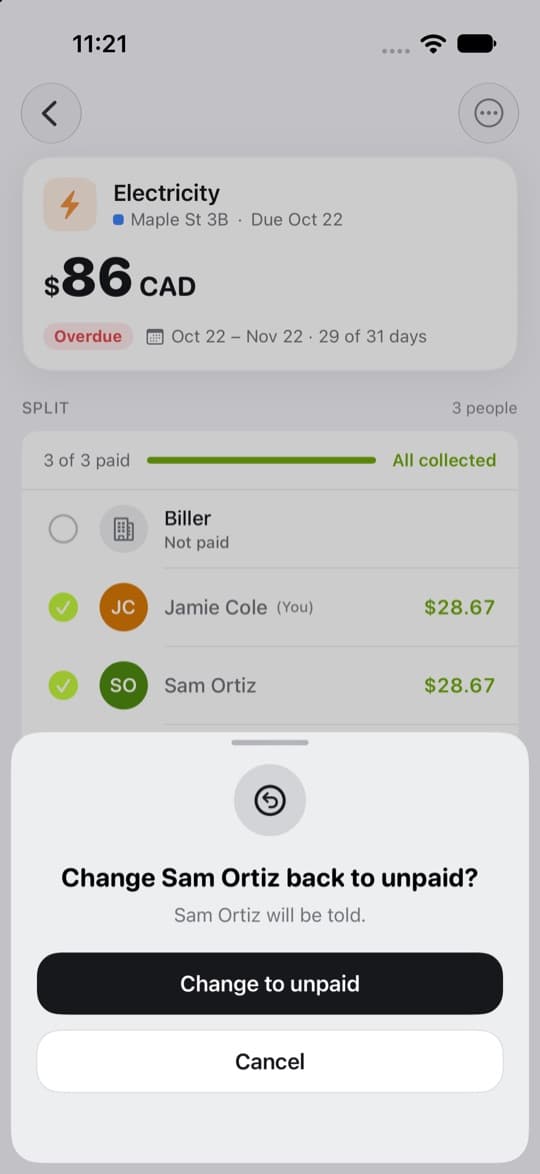
Tapped by mistake? Tap it again
Tap the ticked circle and choose Change to unpaid. Your housemate will be told.
5
See what can’t be changed
A share marked Cleared by a payment was paid through Settle up, so its circle stays ticked.