Guide / Carpool
Carpool
1
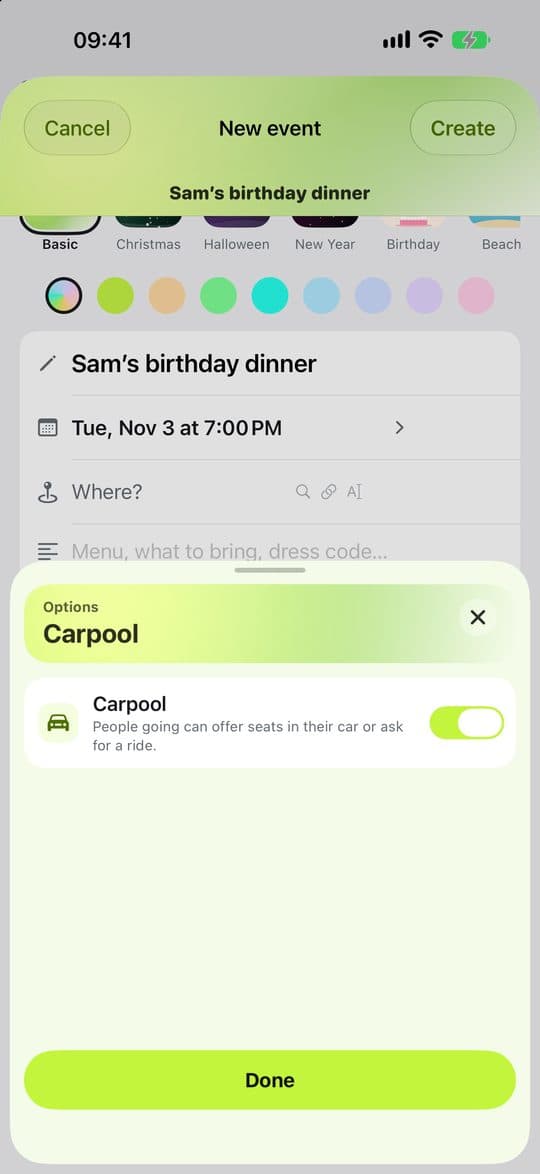
Turn on Carpool
The host turns on Carpool in the event’s options. People going can then offer seats in their car or ask for a ride.
2
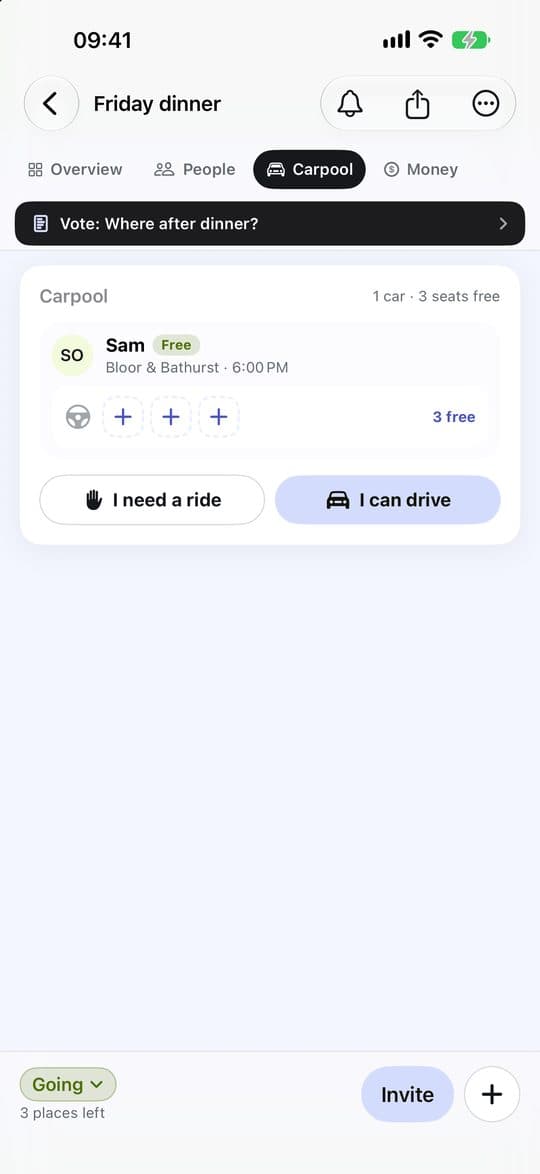
Say what you need
When you reply to the event, choose I can drive or I need a ride. You can change it later on the event’s Carpool tab in the app (in the right-hand column on a wide screen, such as an iPad), or on the event page on the web.
3
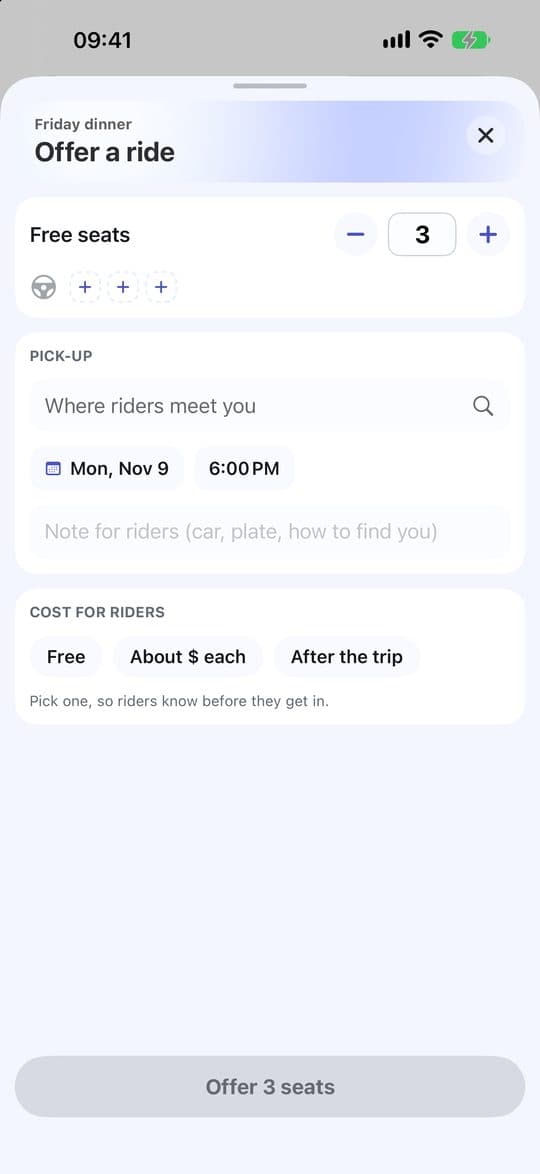
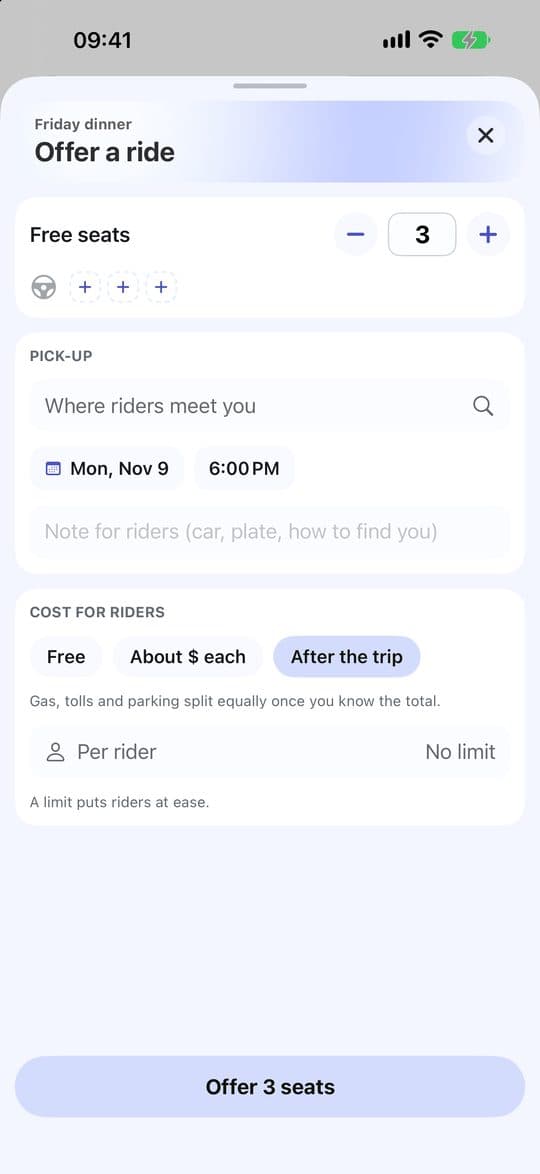
Offer a ride
Set your free seats and where riders meet you. Add a note about your car or plate so they can find you.
4
Agree the cost before anyone gets in
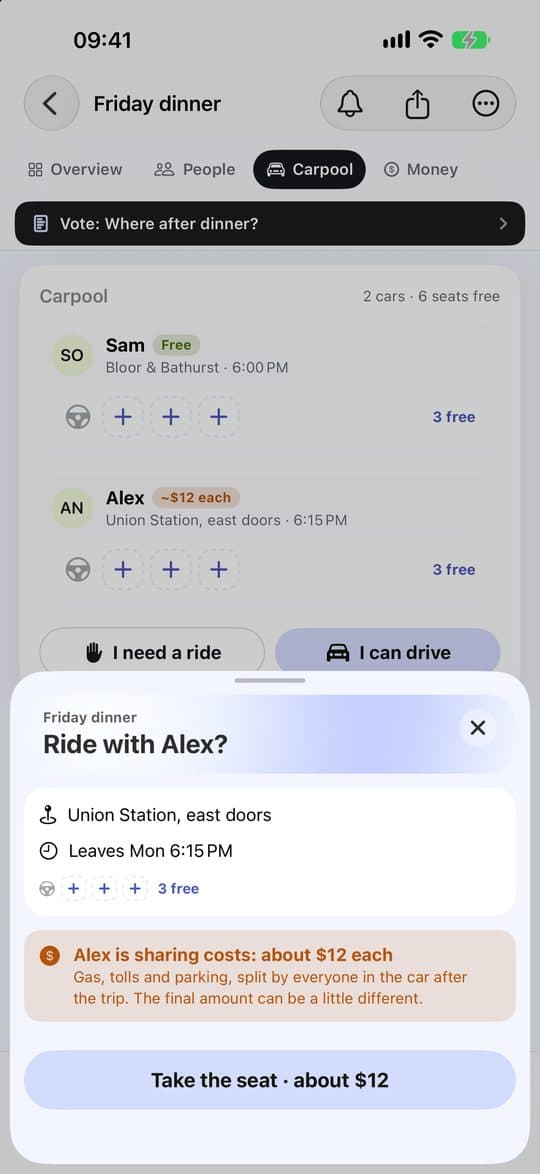
Choose Free, About $ each, or After the trip with an optional limit. Riders see this before they take a seat.
5
Take a seat
On a car with room, tap Take the seat. Say how many seats you need for you and your guests. If your plans change, choose Leave this car.