Guide / Host an event
Host an event
Tap Add, then Event
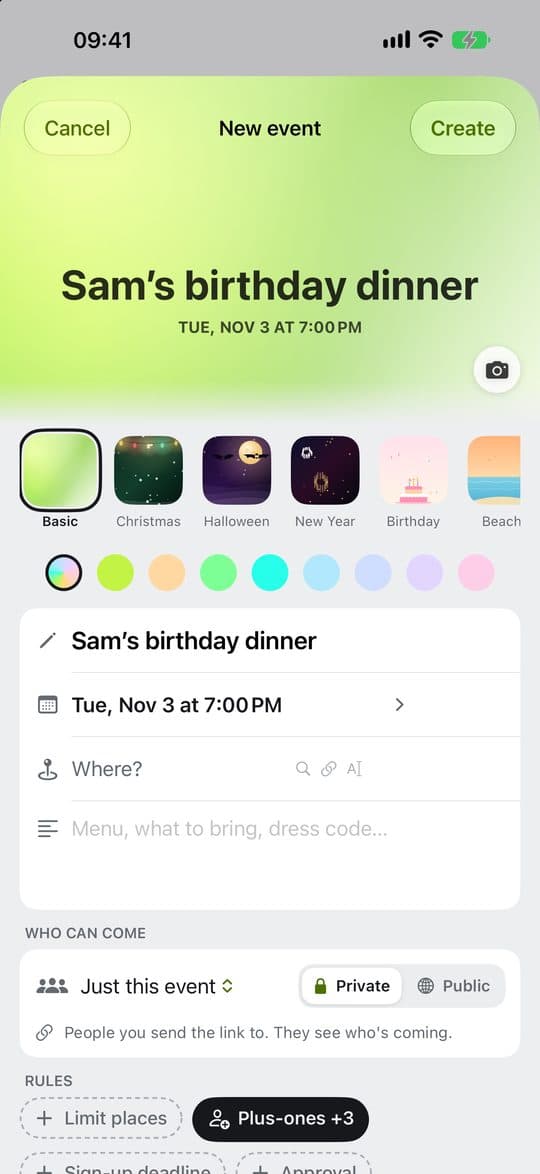
Give it a name and say where it is. You don’t need an account to host one.
Add > Event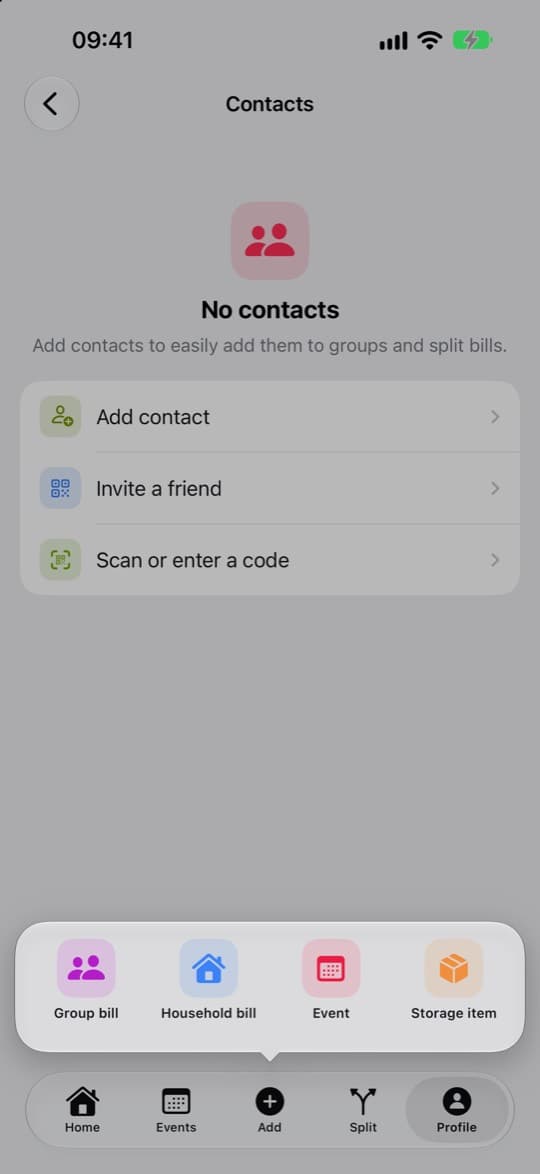
Choose who can see it
Keep it Private, or make it Public. Public events come with Chiipin Pro.
Set the details
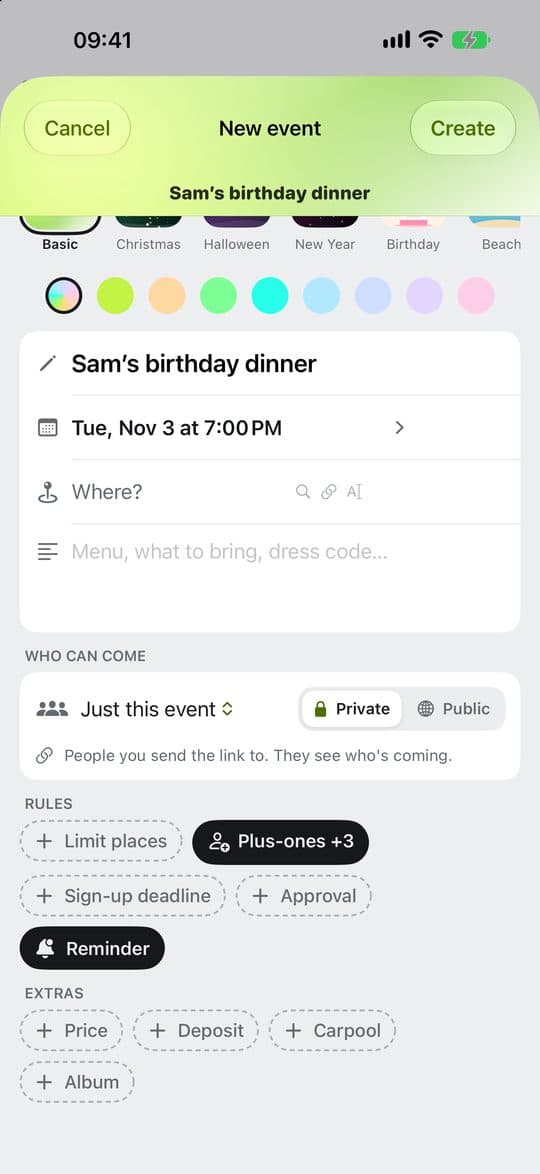
Under Rules and Extras, tap what you need: Limit places, Plus-ones, Sign-up deadline, Approval, Reminder, Price, Deposit, Carpool or Album. Price is what each person pays for the event; you are not charged, and someone who brings a friend pays for them too. Once people have replied, you can edit the event and add Co-hosts.
Invite people
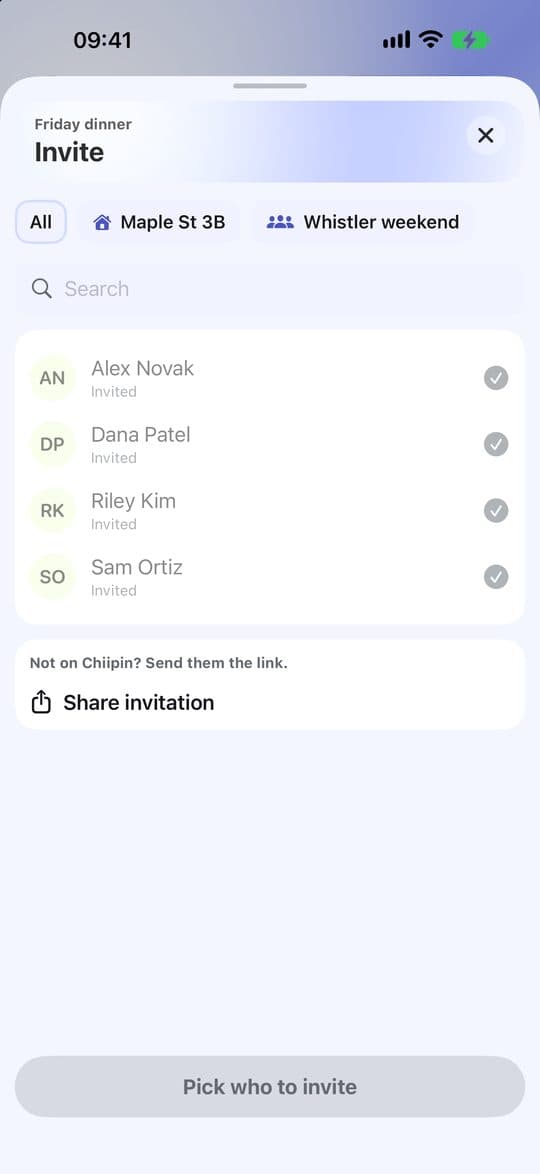
Tap Invite on the event. Pick who to invite, or tap Share invitation and send the link wherever your friends are.
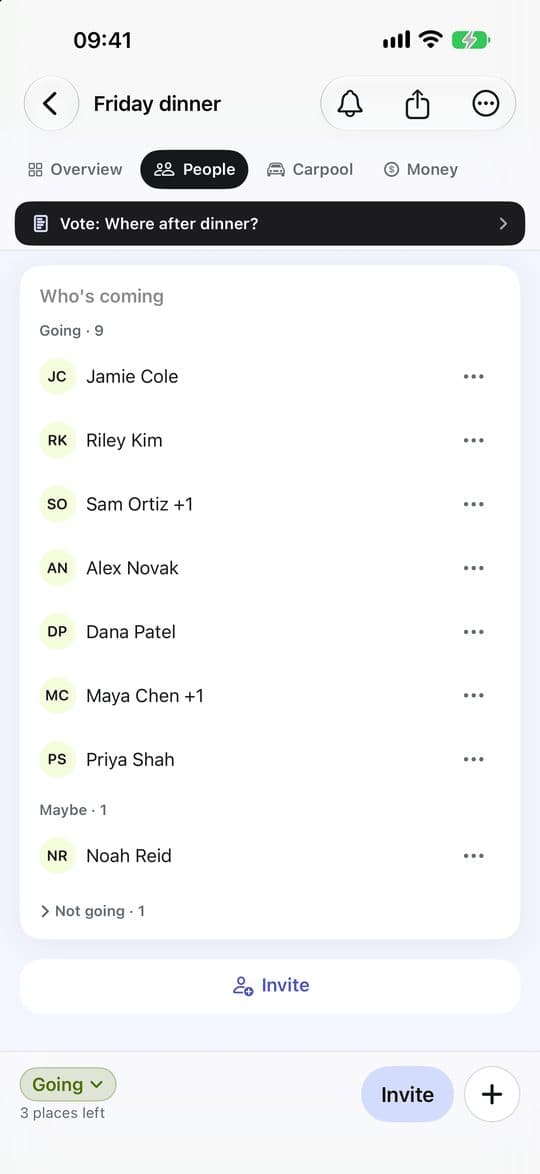
See who’s coming
Guests reply Going, Maybe or Not going. To change a reply in the app, tap it at the bottom of the event. If you asked for approval, choose Let in or Decline for each one. To tell everyone about a change, tap + at the bottom of the event in the app and choose Post an update or Start a poll; on the web they are on the event page.
Check people in
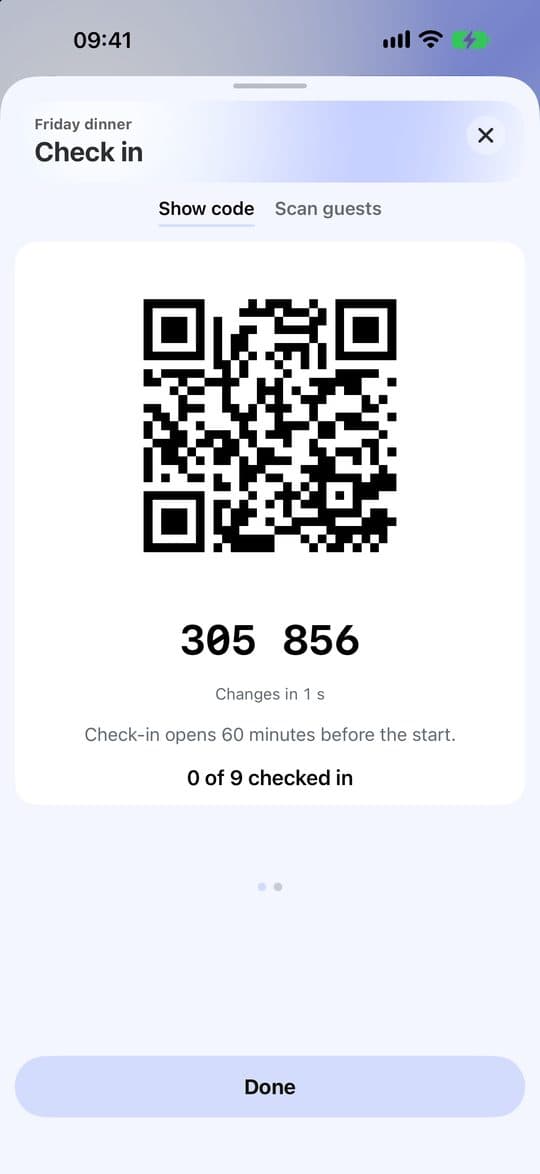
When the event is about to start, tap Check in. Guests use Show code and you use Scan guests. In the app, Scan guests keeps working with no signal once it has opened: check-ins wait on your phone and are sent when you’re back online.
Split the bills
In the app, tap + at the bottom of the event and choose Add a bill; on the web, tap Add bill on the event’s Bills. Split shares it among who checked in. As a host you can choose Each pays to ask everyone the same amount, such as a ticket; it is paid to the organiser, who is not charged. If the event has a price, once it starts the host sees Ask everyone for the price: tap Add a bill and it is added as an Each pays bill, with any confirmed deposit taken off. Who owes what, on the event’s Money tab in the app (in the right-hand column on a wide screen, such as an iPad), then shows each person who to pay: Here is settled at the event, a group’s name in that group. Switch between Me and Everyone to see your part or everyone’s. Guests without an account see what they owe on the event link and tap I paid.